
Lives where you talk
Add it to your private chats and groups. It follows along and speaks up when someone calls on it.
Early access
Gnum gives you your own AI agent that lives in your chats. It remembers what was said, answers people for you within the rules you set, and hands tasks to your other agents, including the coding agents on your Mac. Over time, it even learns to reply like you.

Everything here works today. Reading is instant; anything that changes something asks you first.
Share one link. It answers from what you allow and passes on messages.
Is Sam around?
Sam is in a meeting until 3. Want me to pass something on?
Notion, Linear, Todoist or any MCP server. Changes ask you first.
What’s open in Linear for me?
Three issues. The oldest is the checkout bug.
Teach it once, in plain words. It reads the skill when a request fits.
Save that as a skill.
Here is the text. Save it as Weekly summary?
It writes a small program. You read the code before it runs.
Make me a tool that checks if my site is up.
Here is the code and the one site it may reach. Save it?
In your groups, and Claude Code and Codex on your Mac.
What did Claude Code find in the website folder?
The sign-up link works. The last change went out on Tuesday.
Forward it to its own address, then just ask. Replies wait for your tap.
When does my flight leave?
Friday at 07:40, from the mail sent on 3 October.
Reading runs at once. Anything that changes something asks you on a card.
Before a tool is saved and before each run. Keys never go through chat.
Telegram marks it as a bot, and it says it is an AI whenever asked. It never speaks as you without your OK.
What it does not do. It does not write in WhatsApp or Signal, and never sends, posts or runs code without your OK.
Friends, family and colleagues ask your agent what they would otherwise ask you: what was decided, where that file went, whether you are free on Thursday. It answers from what it knows and what you allow, and tells you what it said.
In these examples, Tessa is Sam's agent. Yours gets the name and persona you choose.

Lena
@tessa did we ever settle on a place for Saturday?
Tessa, Sam's agent
The cabin by the lake. Max booked it on Tuesday: two nights, check-in from 3 pm.
Max
Right, I forgot. Thanks, Tessa!
Your coding agent, your research agent, whatever you already run: when you or someone else asks for something, your agent hands the task to the right one, keeps an eye on it and reports back in the chat.

Nina
Hi Sam, the sign-up link on your blog is broken. It goes to a 404.
Tessa, Sam's agent
Hi Nina, Tessa here. Sam is busy at the moment, so I will ask his coding agent to fix it. Thanks for spotting it!
Tessa, Sam's agent
Update: the coding agent has a fix ready. It goes live as soon as Sam approves it.
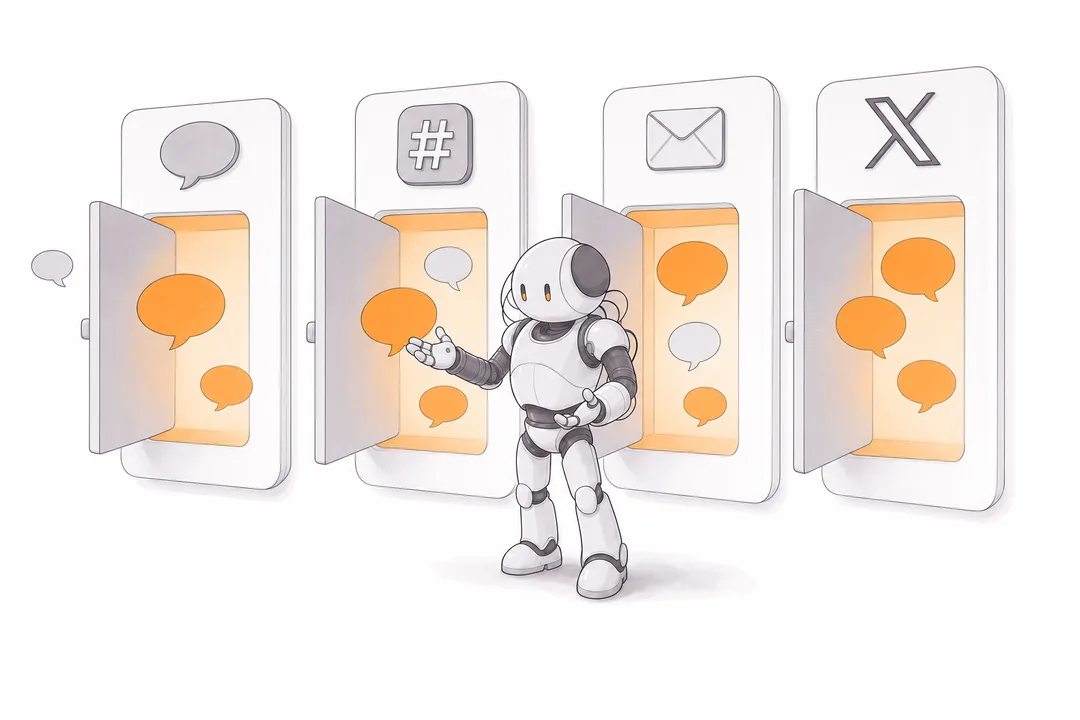
Give your agent its own account in the apps you already use. It remembers the conversation in each one, and you can search all of them from your console.
Your agent gets its own Telegram account. Add it to private chats and groups, and it follows along.
Paste one token in your console, then allow the app in Slack. Write to it in direct messages, or invite it to a channel you are in, and it answers when someone mentions it.
Your agent gets an e-mail address of its own. Forward your mail to it, then ask about it in your chat. Replies wait for your tap.
Link your X account in your console, then tag @gnum_io under any post with what you want, such as “remind me to read this”. Your agent does it and tells you in your chat.
Gnum for Mac sits in your menu bar. Sign in on the Mac where you run Claude Code or Codex, and your agent can tell you what they are doing. Ask it for a task in a project folder you have allowed, and the answer comes back to your chat, even if it takes a while.
Your folders stay yours. Your agent knows them by name only and refuses any other. You set time limits and can switch tasks off any time. Claude Code uses your own settings and connectors to look things up, and never sends, posts or deletes on its own.

Sam
What did my coding agent find in the website folder this week?
Tessa, Sam's agent
Your Mac is on. Claude Code went through the website folder: the sign-up link works, and the last change went out on Tuesday.
Sam
Thanks. Is anything on my calendar tomorrow?
Tessa, Sam's agent
Claude Code checked your calendar on the Mac: a call with Max at 10 am, and nothing else before lunch.
Every conversation teaches your agent more about you: the people in your life, your plans, the way you write. Over time it can reply in your own voice, so a quick answer from your agent reads just like one from you. You decide when it speaks as itself and when it writes as you.

Max
Are we still on for Friday?
Tessa, early on
Hi Max, Tessa here. Sam has you down for Friday at 7 pm.
Tessa, months later
yes!! 7 at the usual place, first round's on me
Add it to your private chats and groups. It follows along and speaks up when someone calls on it.
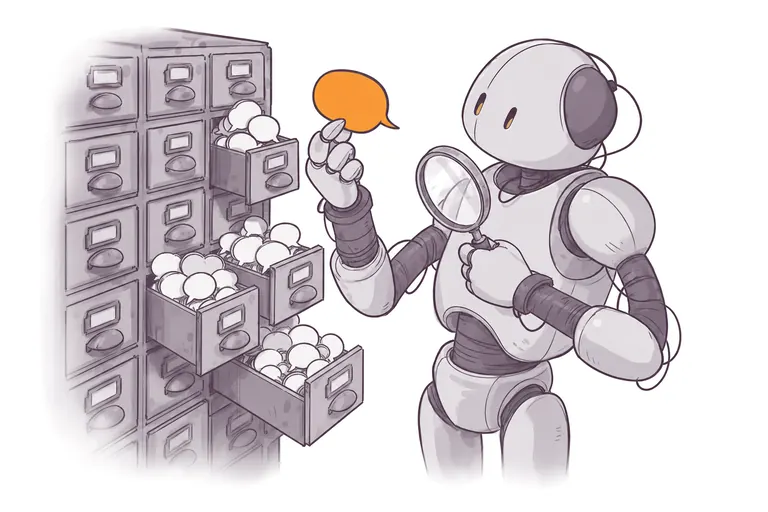
Every message it can see is saved and searchable. Ask who promised what, when the call moved, or what was decided before you joined.

Name it and choose the voice it answers in, from a crisp assistant to a character of your own. It stays in character in every chat.
Closed beta
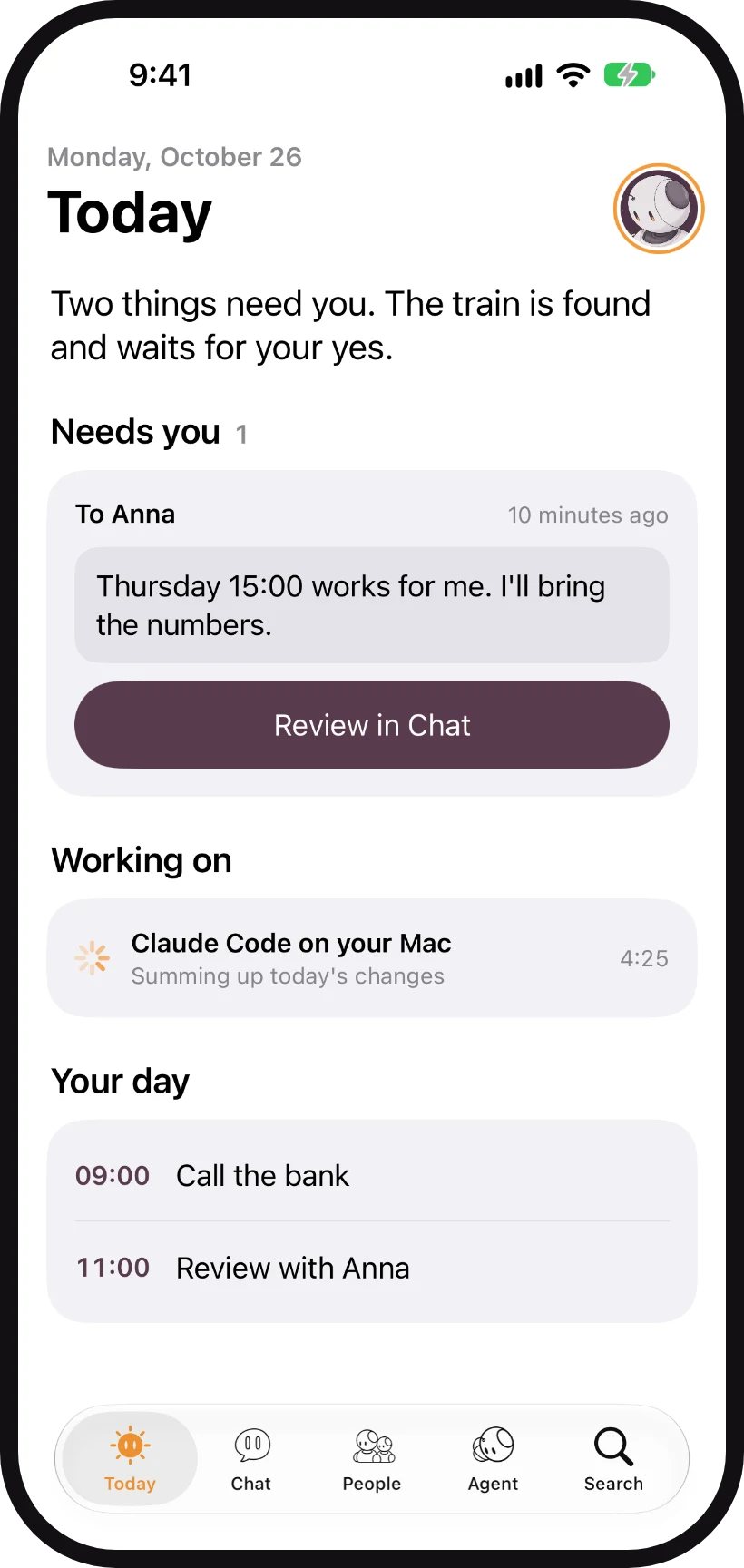
Chat with your agent, call it, or let it ring you. It browses for you, answers to Siri and the Action button, and shows its work on your Lock Screen. The app is in closed beta and not on the App Store yet.
See the iPhone app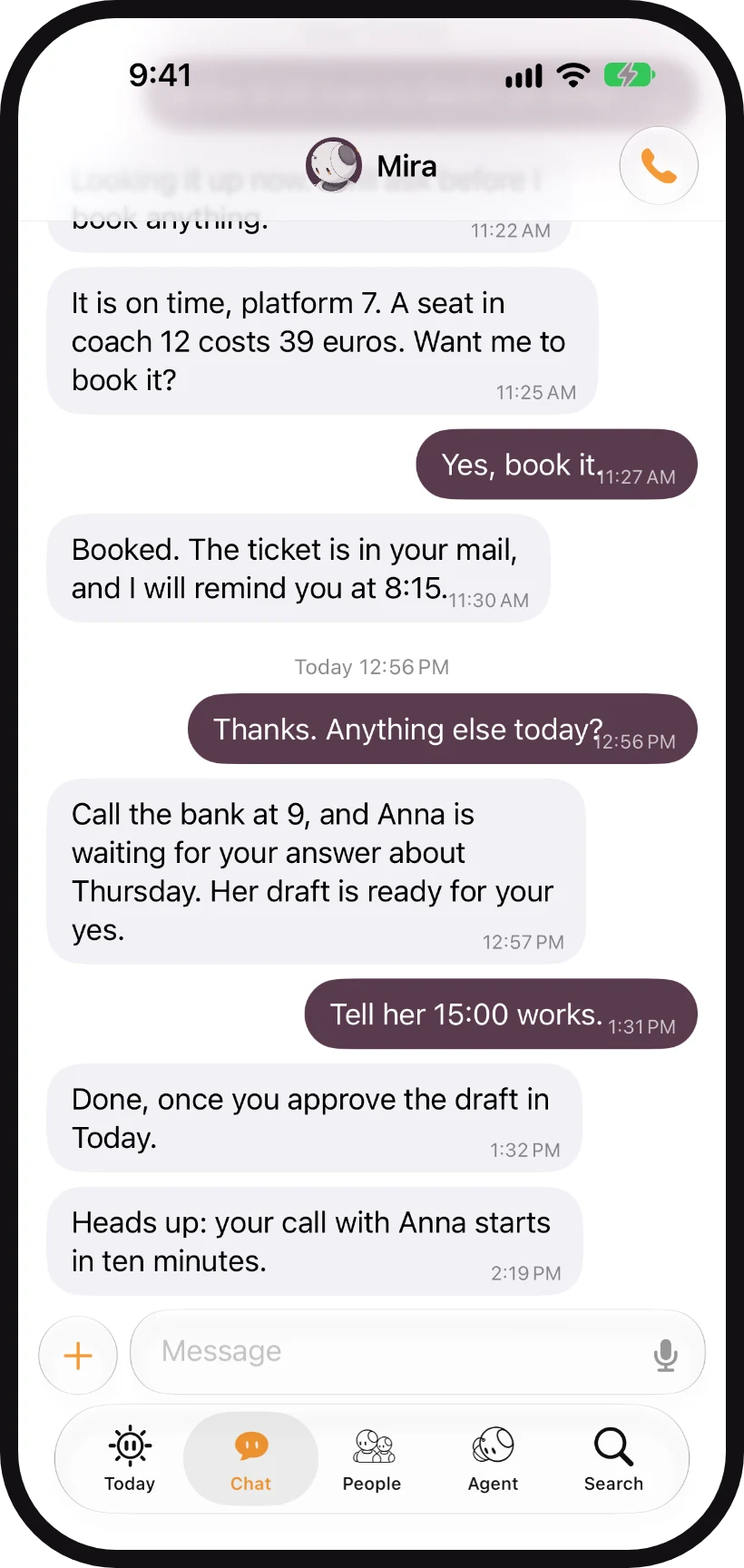
Create your Gnum account.
Name it, give it its own account in your chat app and connect the agents you already use. We guide you through every step.
Invite it to the groups you choose and let people talk to it.
Your agent works for you, and your history stays yours.
Gnum is in early access. Create your account and be among the first to set up an agent of your own.